
1. Check if the number 8810/8272 is blocked on your phone
Most TurnUp verification messages are sent from the short number 8810/8272. Sometimes this number may be blocked accidentally, for example after unsubscribing from an SMS service or due to spam settings.
✅ Solution:
Go to your phone settings and check whether the SMS number 8810/8272 is blocked.
If so, unblock the number.
2. Request the verification SMS again
Have you unblocked the number?
Then try logging in or activating your account again. A new verification SMS will be sent automatically.
3. Still not working?
If you’ve followed the steps above and still don’t receive the SMS, we’re happy to help.
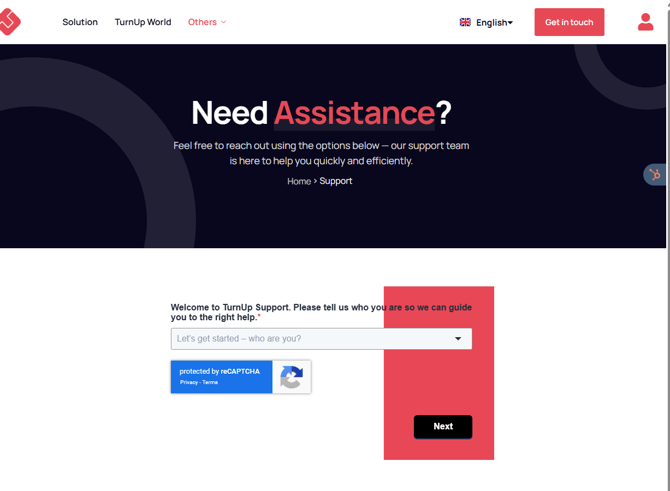
📩 You can easily submit a support ticket via our website:
👉 www.turnup.world/support
Our support team will look into this as soon as possible.
Final tip: Also check that your phone has sufficient network coverage and that you are receiving SMS messages from other numbers.